- Overview
- Reference Guide
- Setup & Architecture
- Release Notes
- API Reference
-
Integration Guides
-
Signing Capabilities
- Supported Formats and Platforms
- Timestamping
- Windows Signing - SignTool
- Apple Signing
- AppX & MSIX Signing
- Visual Studio ClickOnce
- Jar Signing
- Sign HLK/HCK using CodeSign Secure
- NuGet Signing
- Mage Signing
- Sign OVA/OVF using Encryption Consulting’s Utility Tool
- Utility Tool for code signing
- Container Signing
- PKCS11 Wrapper
- Reproducible Build
- CI/CD Integration
-
Signing Capabilities
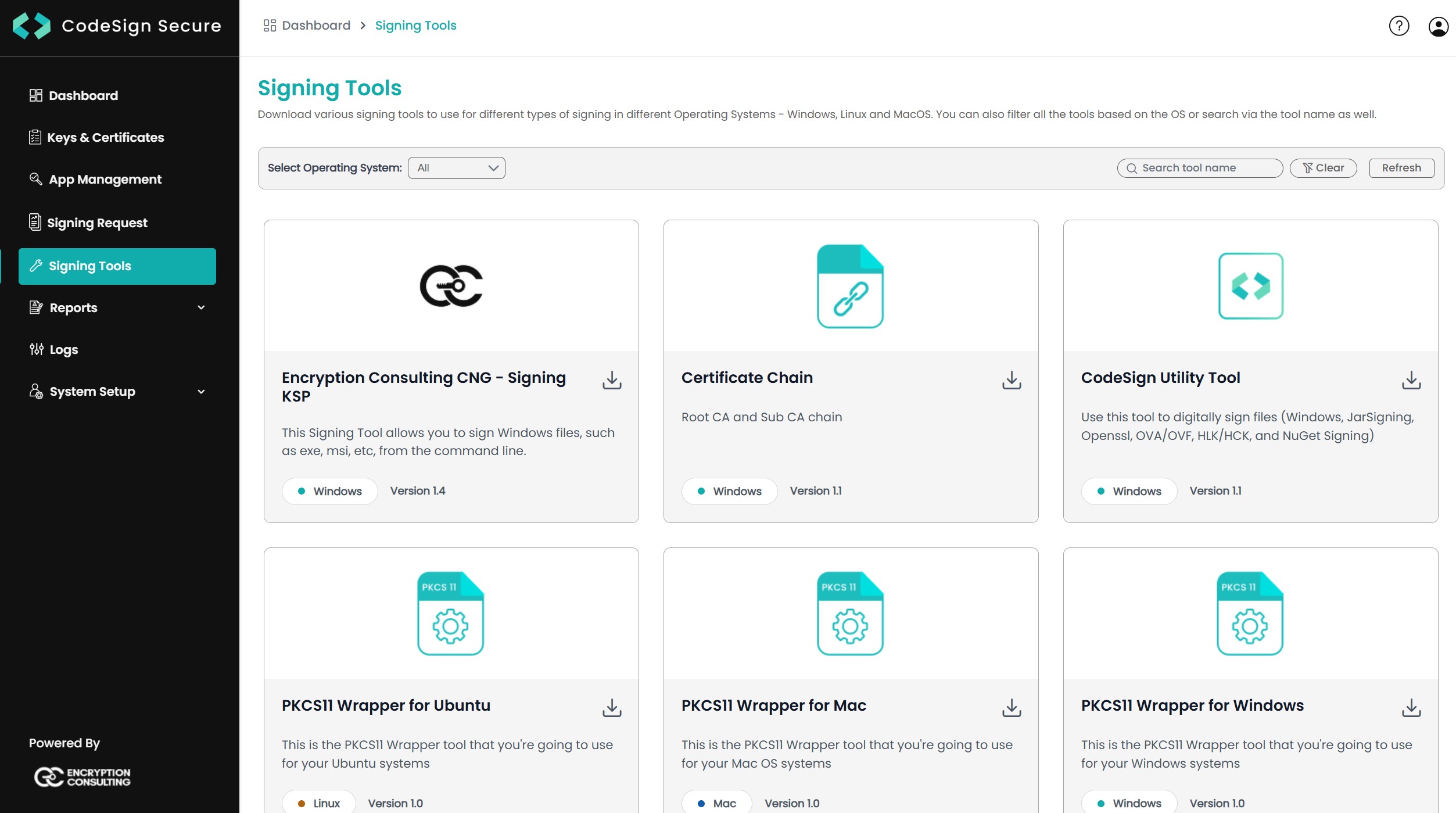
Signing Tools
Download the CodeSign Secure client tools that let build machines sign with keys held in the HSM.
Select Signing Tools in the portal to open the download page. Filter by operating system with the drop-down at the top left of the table, or search by name at the top right.
Which tool to use
| Tool | Runs on | Use it with | Configured with | Guide |
|---|---|---|---|---|
| Encryption Consulting KSP | Windows | SignTool, Mage, NuGet, Visual Studio ClickOnce, HLK, jarsigner (Windows-MY) | Installer prompts, EC_Client_Auth, EC_Client_Pass, EC_SSL_VERBOSE (1 or 0) Registry: ectoken and the installer settings in Computer\HKEY_CURRENT_USER\Software\Encryption Consulting\SigningKSP | Windows Signing |
| EC KSP for Mac | macOS | codesign | See the guide | Apple Signing |
| PKCS#11 Wrapper | Windows, Linux, macOS | apksigner, jarsigner, JSign, OpenSSL, XML signing, GnuPG | ec_pkcs11client.ini, EC_INI_FILE_PATH | PKCS#11 Wrapper |
| Utility Tool | Windows | Interactive single-file and bulk signing, OVA/OVF, NuGet; optional ClamAV scan | BASEURL in the configuration file | Utility Tool |
| ec-signer | Container build host with Python and Docker | cosign container image signing | See the guide | Container Signing |
| ECGetCert.exe | Windows | Retrieves the signing certificate for ClickOnce and pipeline signing | See the guide | Visual Studio ClickOnce |

Good practice
-
Download tools only from your own CodeSign Secure server’s Signing Tools page, over HTTPS.
-
Use the tools published with your server version, and download them again after every server upgrade.
-
The Sign tools permission controls access to this page. See Roles and Permissions.