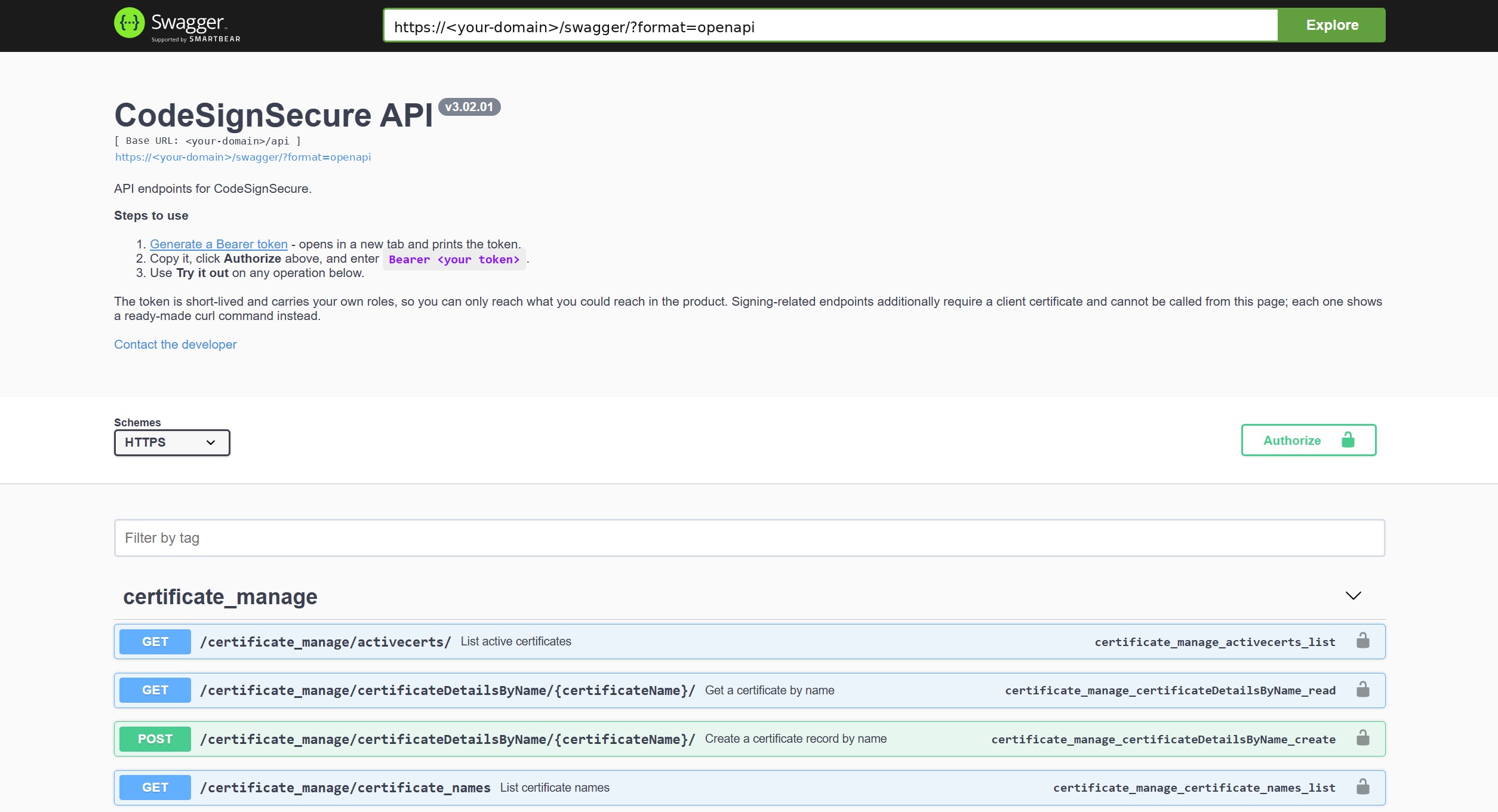
The Swagger API page is interactive documentation for every REST API endpoint on your CodeSign Secure server.
Use the Swagger page
-
In the CodeSign Secure portal, select Swagger API in the header bar.
-
At the top of the page, select Generate a Bearer token. It opens in a new tab and shows your token.
-
Copy the token, select Authorize, and enter Bearer <your token>.
-
Use Try it out on any endpoint.
The token is short-lived and carries your own roles, so you can reach only what you can reach in the portal. Signing endpoints also require a client certificate and can’t be called from this page; each one shows a ready-made curl command instead.
The Swagger page always matches the version installed on your server. For how to get and use a token, see Authorizing Requests. Every endpoint is listed in the Endpoint Reference.
