
- Overview
- Reference Guide
- Setup & Architecture
- Release Notes
- Workflow
- API Reference
- Integration Guide
- Discovery Agent Setup Guide
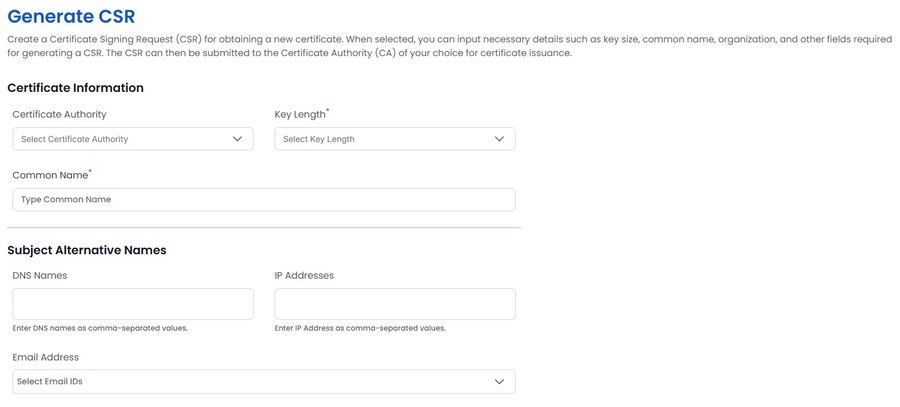
In the Generate CSR section, you can select key details for creating a Certificate Signing Request (CSR). This includes choosing the Certificate Authority (CA) for the request, specifying the key length, and entering the common name (typically the domain). You can also define SAN (Subject Alternative Name) attributes, including DNS names, IP addresses, and email addresses. These selections ensure the CSR contains all the necessary information and meets the requirements for certificate issuance.
Organizational Information
The details of the organization address and the e-mail have to be added.
Credential Information
A unique private key password must be created. This password will be used to encrypt the private key.
Password Generator Based on Policy
The Generate Password Button allows you to create strong, compliant passwords based on the rules defined in the Password Restrictions section of Manage Policies (under Enrollment).
It's available when generating a CSR and when setting a password for downloading .pfx certificates, ensuring consistency and security across all password requirements.
Note: Once the details are added, you can click on Generate CSR button and a request would be sent and the CSR and the encrypted private key will be downloaded.