
- Overview
- Reference Guide
- Setup & Architecture
- Release Notes
- Workflow
- API Reference
- Integration Guide
- Discovery Agent Setup Guide
The Zendesk tab in Service Setup connects CertSecure Manager to a Zendesk account. CertSecure Manager then keeps a Zendesk group for every department and opens Zendesk tickets for certificates that are about to expire, so that the people responsible are told in the tool they already use for support work.
To open it, go to Miscellaneous > Service Setup and select Zendesk.
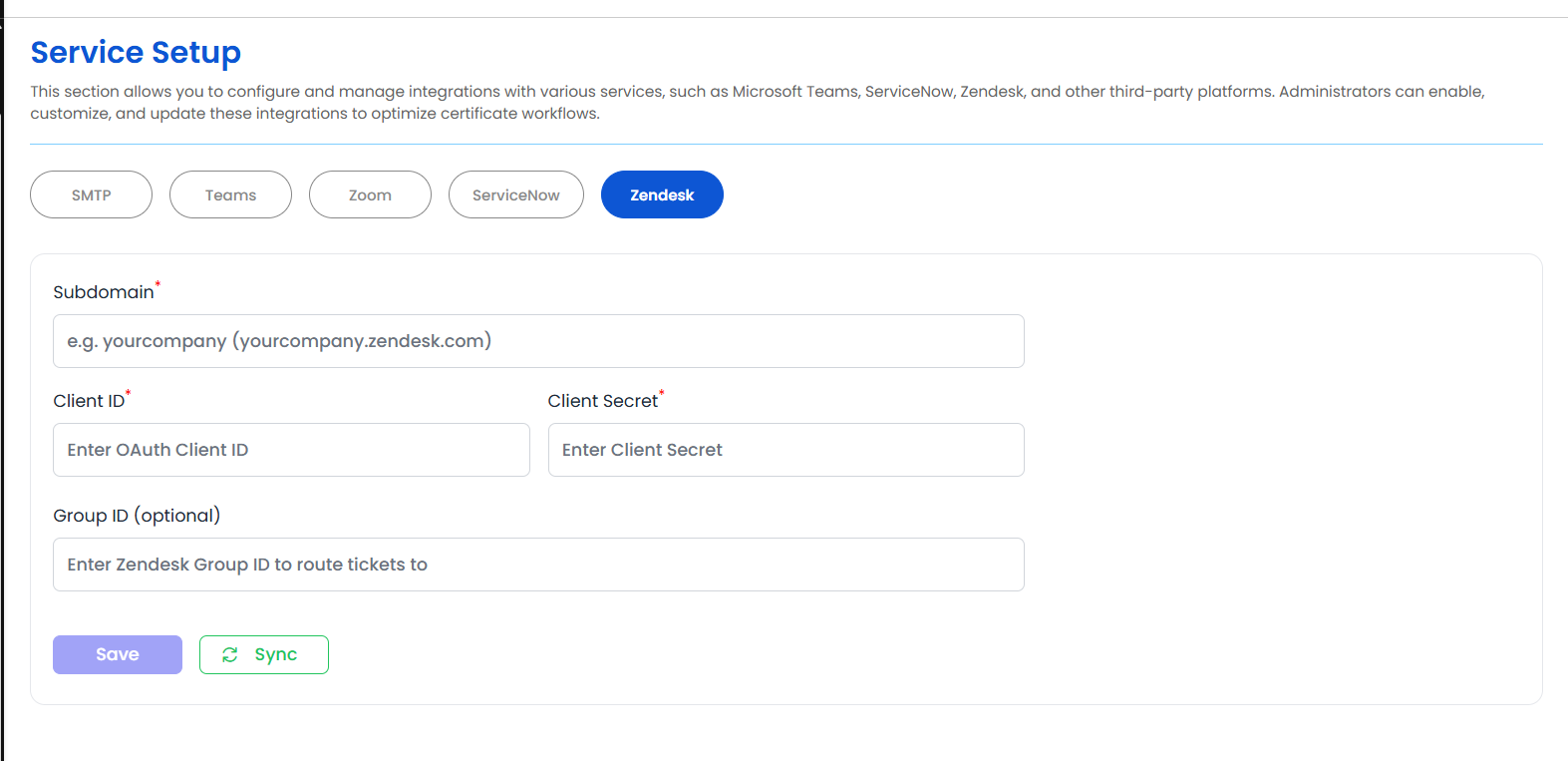
CertSecure Manager signs in to Zendesk with an OAuth client, not with an API token. Create the client in Zendesk before configuring CertSecure Manager.
tickets:read, tickets:write, users:read, groups:read and groups:write. The scopes in Zendesk are per resource, so a client that has only the ticket scopes cannot read users or manage groups.| Field | Description |
|---|---|
| Subdomain | Required. The part of the Zendesk address before .zendesk.com. For yourcompany.zendesk.com, enter yourcompany. |
| Client ID | Required. The client ID of the OAuth client. |
| Client Secret | Required. The client secret of the OAuth client. It cannot contain spaces. |
| Group ID (optional) | The numeric ID of the Zendesk group that new tickets are routed to. Leave it empty to create tickets without a group. |
When Save is selected, CertSecure Manager signs in to Zendesk with the client ID and secret. If Zendesk refuses them, the settings are not saved and the message "Wrong Credentials" is shown.
Saving and syncing need the Configure CertSecure permission. Viewing the settings needs the View CertSecure Configuration permission.
Sync reconciles every department with Zendesk. For each department, it creates the group when it does not exist, adds the department administrators and department users who are Zendesk agents, and removes group members who no longer belong to the department. The sync runs in the background, and only one sync can run at a time.
A group is also created when a new department is added, if the Zendesk settings have been saved. The members of that group are added by the next sync.
When the sync finishes, it reports how many departments were processed, how many groups were created, how many members were added and removed, and the departments for which an error occurred.
A ticket is opened for a certificate when its expiry alert fires for the alert tiers that raise tickets: the critical alert days, the first alert tier, and the 30-day mark. When certificate criticality levels are configured, the level of the certificate decides whether a ticket is raised and with which priority. A critical alert opens an Urgent ticket, and the other alerts open a Normal ticket.
The ticket is assigned to the first of these groups of people that contains at least one Zendesk agent:
The first agent of that group is the assignee. The other people in the same group are added to the ticket as collaborators, so one certificate does not produce several tickets. If a Group ID is set, the ticket is sent to that group.