
- Overview
- Reference Guide
- Setup & Architecture
- Release Notes
- Workflow
- API Reference
- Integration Guide
- Discovery Agent Setup Guide
CertSecure Manager connects to EJBCA through the EJBCA REST API, authenticating with a client certificate. The connection is agentless and is configured from the EJBCA tile under Administration > Certificate Authorities > Agentless CAs. One EJBCA connection is configured for the organization.
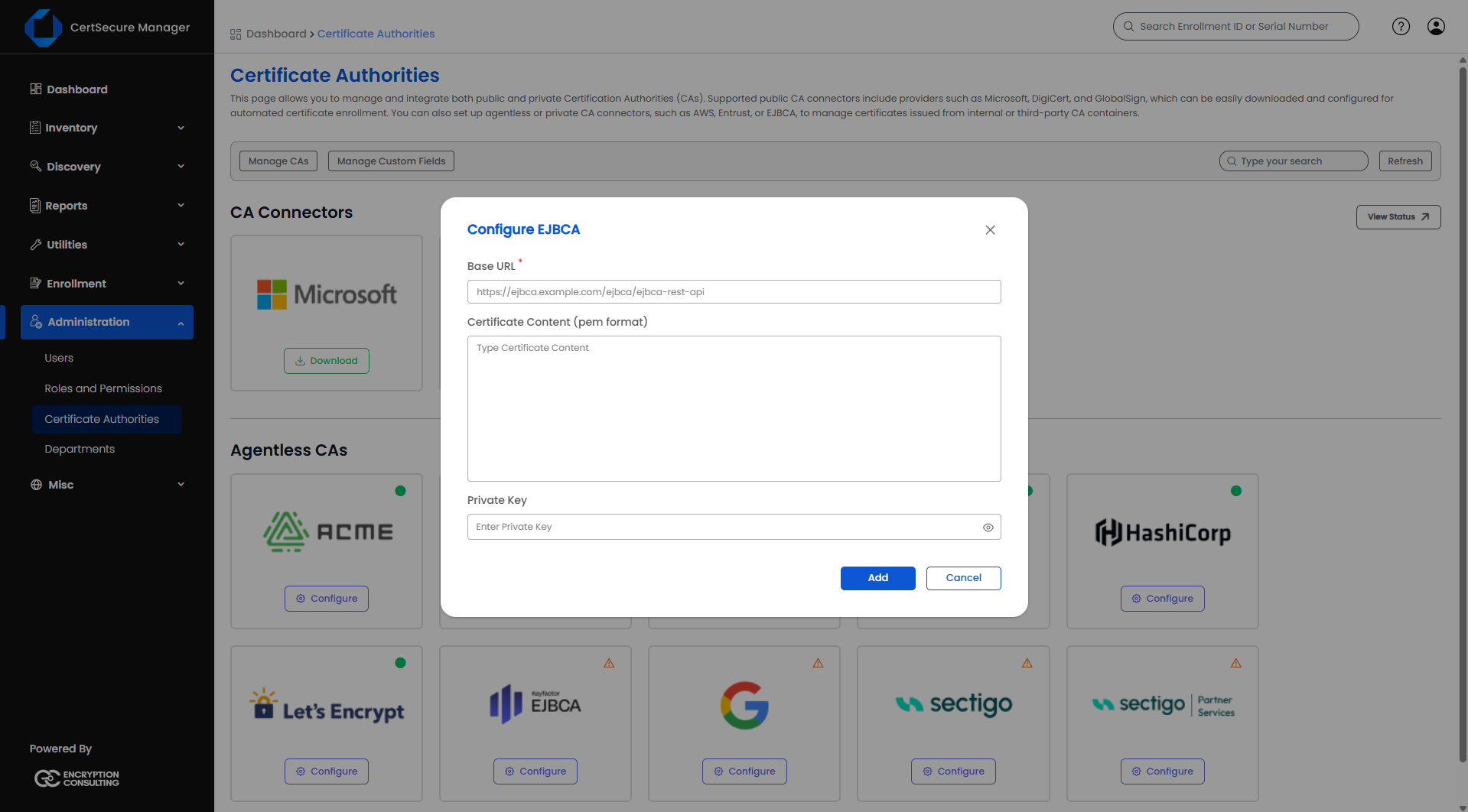
CertSecure Manager checks the stored EJBCA credentials, and the EJBCA tile shows the result:
| Status | Meaning |
|---|---|
| Active | EJBCA accepts the stored client certificate. |
| Not Configured | No working configuration is stored. Check the Base URL, the certificate and the key. |
| Error | The check could not be completed. |