- Overview
- Reference Guide
- Setup & Architecture
- Release Notes
- Workflow
- API Reference
- Integration Guide
- Discovery Agent Setup Guide
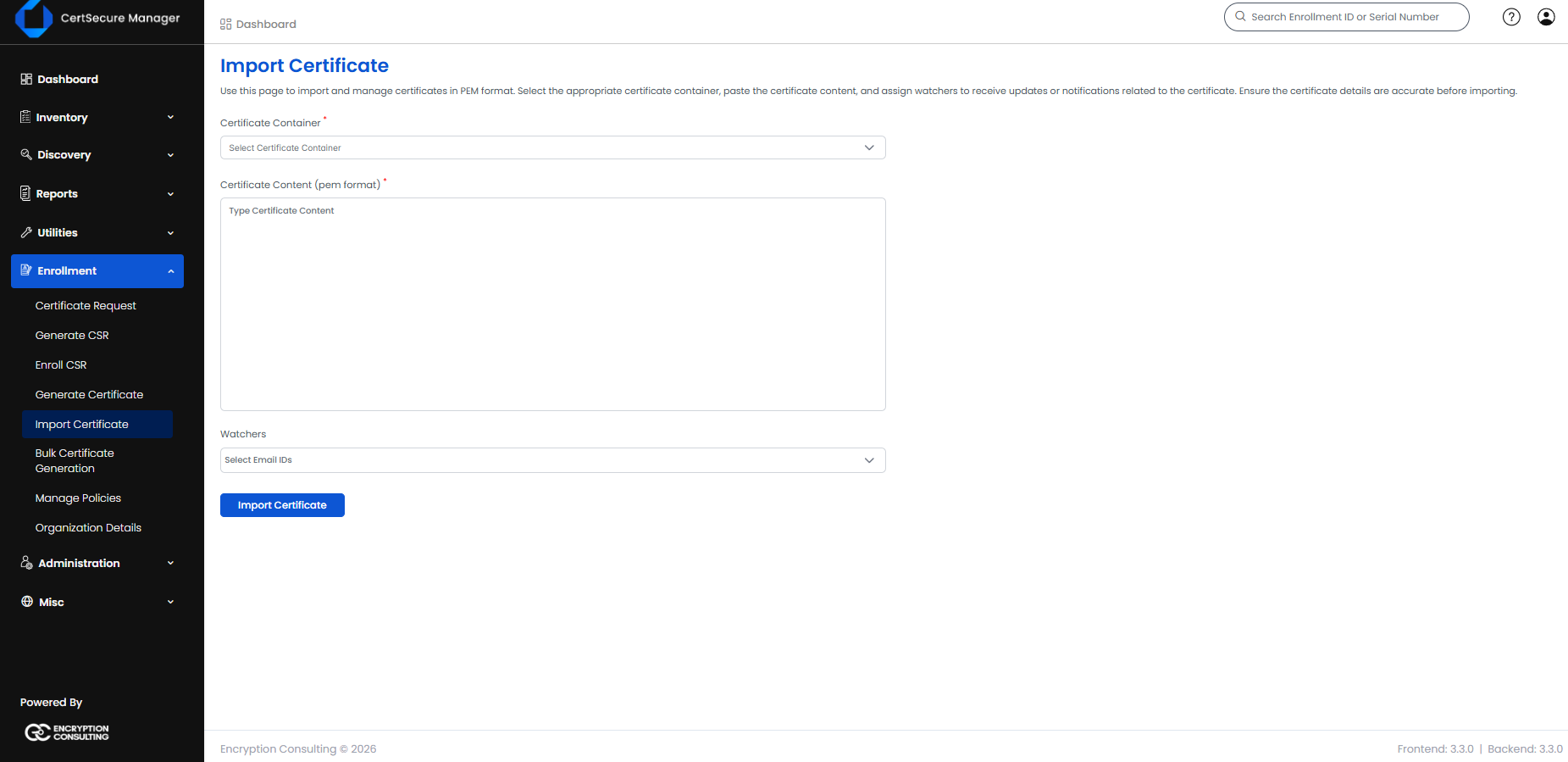
The Import Certificate feature allows you to bring externally issued or manually managed certificates into CertSecure Manager for centralized tracking and lifecycle management. To access this page, you must have the Import Certificate permission assigned to your account. To import, select the certificate container you want the certificate stored under, paste the full PEM-formatted certificate content into the text area, and optionally assign watchers (email addresses that will receive updates and notifications related to the certificate). Once submitted, the certificate becomes visible and manageable alongside all other certificates in your inventory.