
- Overview
- Reference Guide
- Setup & Architecture
- Release Notes
- Workflow
- API Reference
- Integration Guide
- Discovery Agent Setup Guide
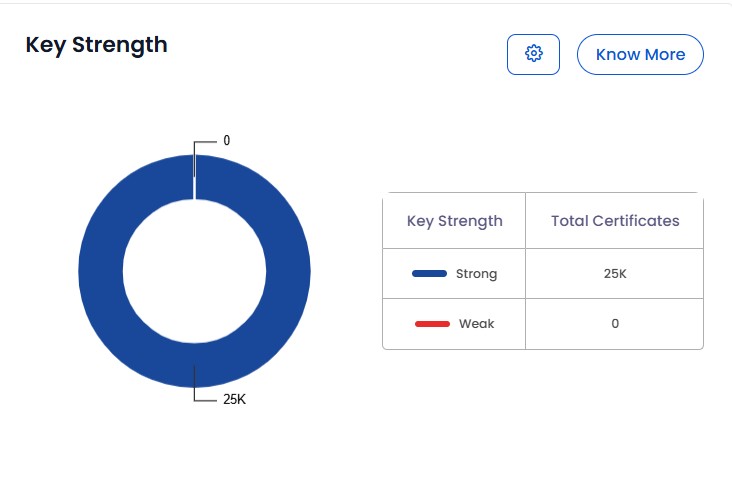
The Key Strength section provides insights into the cryptographic strength of certificates within the system. This dataset includes:
The threshold that determines whether a key is classified as Strong or Weak can be configured using the Key Strength Settings. Clicking the gear icon opens a dialog where administrators can set the minimum acceptable key length for both RSA and ECC algorithms. For RSA, the threshold can be set between 1024 and 7680 bits, while for ECC it ranges from 160 to 512 bits. Once the desired values are selected, clicking Save applies the new thresholds across the system.
By analyzing this data, administrators can ensure compliance with security policies and take necessary actions to replace or revoke weak certificates if they are detected.